


Description
Download Opera GX Mobile APK – mobile gaming browser, free, lightweight, secure, latest version
Overview
Opera GX Mobile is a free mobile web browser developed by Opera Software, designed specifically for mobile gaming enthusiasts. As the mobile counterpart to the desktop-focused Opera GX, it brings core gaming-oriented tools to handheld devices, aiming to optimize browsing performance and reduce resource strain during gameplay. The software is built on the Chromium engine, ensuring compatibility with modern web standards and fast loading speeds. Its primary purpose is to help mobile gamers manage CPU, RAM, and network usage while browsing, enabling smoother gameplay without background interference.
Target users include casual and competitive mobile gamers who frequently browse while playing or need quick access to gaming content. Real-world use cases include checking game guides, streaming gameplay via Twitch, managing Discord chats, and accessing gaming deals through the GX Corner. The browser also supports cross-device syncing via the Flow feature, allowing seamless media sharing between mobile and desktop browsers using a QR code. While the mobile version lacks some advanced desktop features, it maintains a focused, lightweight experience tailored to on-the-go gaming needs.
Key Features & Capabilities
- CPU, RAM, and Network Limiters: Allows users to set custom limits on device resources to prevent the browser from consuming excessive performance during gameplay.
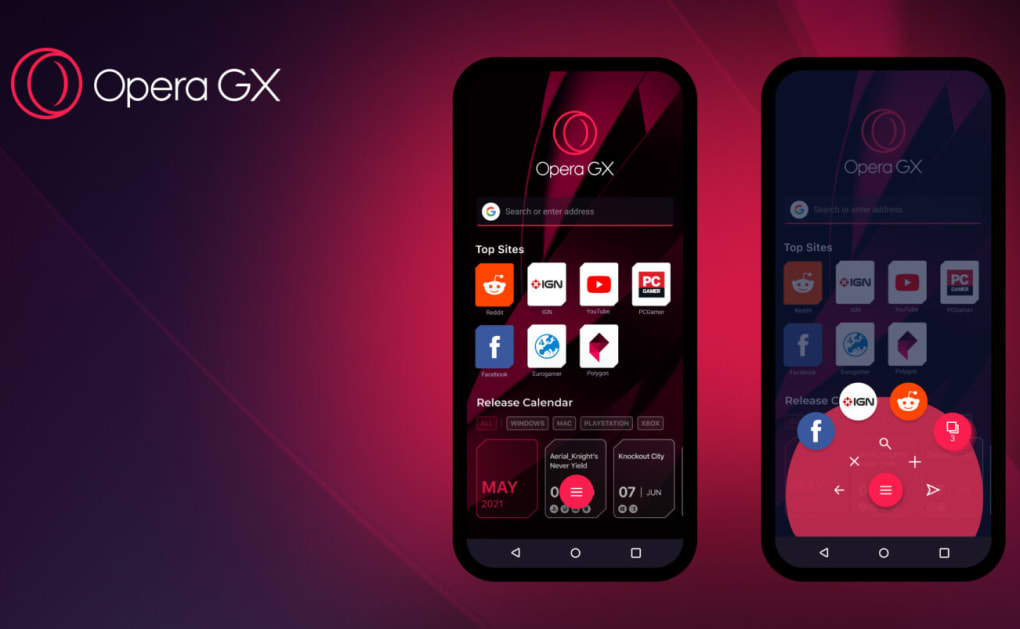
- Fast Action Button (FAB): A customizable, one-handed navigation tool that provides quick access to frequently used functions with haptic feedback for tactile confirmation.
- Flow Integration: Enables cross-device syncing between mobile and desktop browsers through QR code pairing, facilitating easy transfer of links, images, and other media.
- GX Corner: A dedicated hub for gaming news, exclusive deals, and in-app promotions, accessible with a single tap.
- Ad Blocker & Dark Mode: Built-in ad blocking improves page load times and reduces distractions, while Dark Mode enhances visibility in low-light environments.
- Crypto-Mining Protection: Detects and blocks malicious scripts that attempt to use device resources for cryptocurrency mining without user consent.
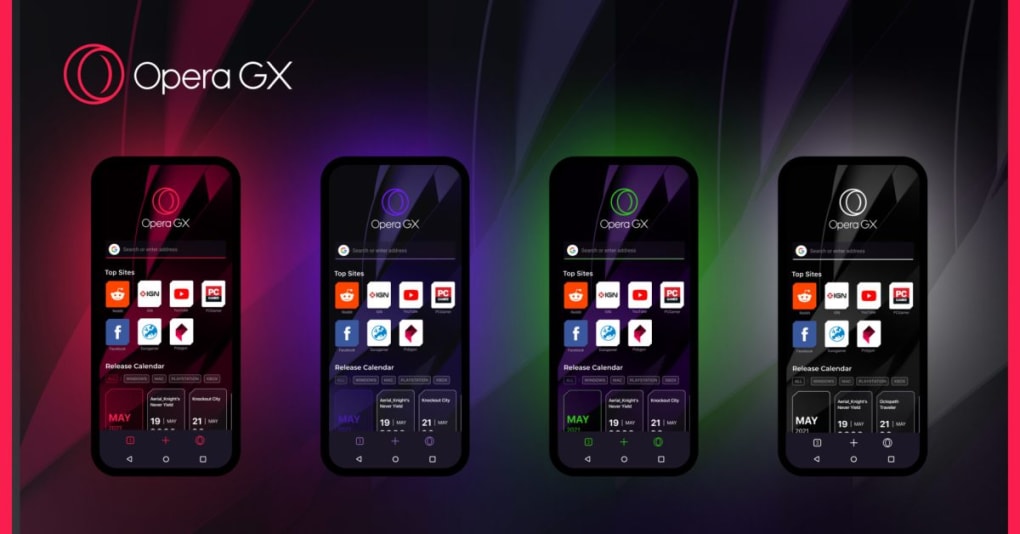
- Custom Themes: Offers a range of visual themes to personalize the browser’s appearance, enhancing user experience and brand alignment.
These features are designed to streamline the browsing experience for gamers, reducing interruptions and optimizing device performance. For example, a mobile gamer can limit RAM usage while playing a graphics-intensive game, ensuring the app runs smoothly. Similarly, the FAB allows quick access to Discord or Twitch without navigating through multiple menus, improving workflow efficiency.
User Interface, Workflow & Performance
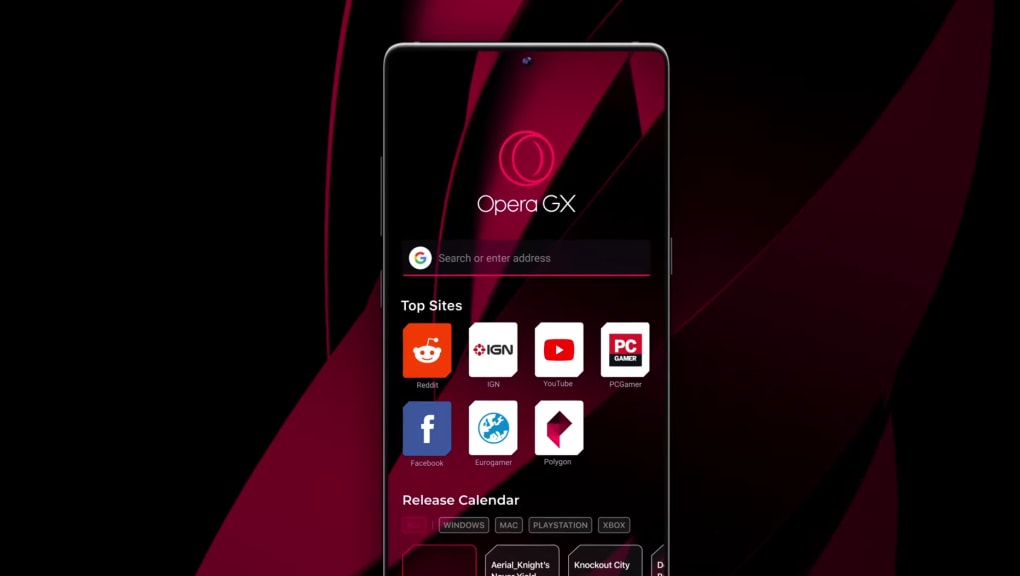
The user interface of Opera GX Mobile is clean, minimal, and optimized for touch-based navigation. The layout emphasizes accessibility, with the Fast Action Button positioned for easy one-handed use. Navigation is intuitive, relying on tab management, a streamlined address bar, and context-sensitive menus. The inclusion of haptic feedback enhances interaction clarity, providing tactile confirmation when selecting options.
Workflow efficiency is improved through the integration of Flow and the GX Corner, which reduce the need to switch between multiple apps. The browser’s performance is consistent with other Chromium-based mobile applications, though exact resource usage details were not specified. The developer did not provide additional system requirements, so performance may vary based on device hardware and background processes. Stability appears reliable under normal usage, but real-world benchmarks are not available. General software behavior patterns suggest efficient memory handling, particularly when resource limits are applied.
Compatibility & System Requirements
Opera GX Mobile is available for Android devices and is designed to run on modern smartphones and tablets. The installation size is not specified, and the developer did not provide exact system requirements. Platform compatibility information is limited to Android, with no details on minimum OS version or hardware specifications. The developer did not specify resource usage details, so users should expect standard performance expectations for a Chromium-based mobile browser.
Pros and Cons
Pros
- Free to download and use with no in-app purchases
- Optimized for mobile gaming with resource limiters
- One-handed navigation via Fast Action Button with haptic feedback
- Seamless cross-device syncing through Flow feature
- Integrated ad blocker and crypto-mining protection
- Dark Mode and customizable themes for visual comfort
Cons
- Lacks support for importing bookmarks from other browsers
- Missing performance booster settings available on desktop
- Limited feature set compared to desktop Opera GX
- No official documentation on system requirements or resource usage
- Some advanced customization options are not available on mobile
FAQ Section
Is Opera GX Mobile available for iOS devices?
As of now, Opera GX Mobile is only available for Android devices. There is no official iOS version released.
Can I sync my mobile browser with my desktop Opera GX?
Yes, the Flow feature allows cross-device syncing between your mobile and desktop browsers using a QR code. This enables easy sharing of links, images, and other content.
Is Opera GX Mobile safe to use?
Yes, the browser includes built-in security features such as an ad blocker, crypto-mining protection, and regular updates to address vulnerabilities. It is developed by Opera Software, a trusted name in web browsing.
Does Opera GX Mobile support custom extensions?
Opera GX Mobile does not currently support third-party browser extensions. The feature set is limited to built-in tools and optimizations.
How often does Opera GX Mobile receive updates?
Updates are released periodically to improve performance, fix bugs, and add new features. The exact update frequency is not specified by the developer.
Final Thoughts + CTA
Opera GX Mobile delivers a focused, lightweight browsing experience tailored for mobile gamers. While it doesn’t replicate every feature of its desktop counterpart, it successfully brings essential tools like resource limiters, the Fast Action Button, and cross-device syncing to handheld devices. The clean interface, built-in ad blocker, and crypto-mining protection add to its appeal. However, the absence of bookmark import and performance booster settings may frustrate power users.
For mobile gamers seeking a secure, fast, and customizable browser that respects device performance, Opera GX Mobile is a strong contender. It stands out in a crowded market by prioritizing gaming needs without compromising on usability.
Download Opera GX Mobile APK now and experience the future of mobile gaming browsing.
Guides & Tutorials for Opera GX Mobile APK
How to install Opera GX Mobile APK
- Click the Preview / Download button above.
- Once redirected, accept the terms and click Install.
- Wait for the Opera GX Mobile APK download to finish on your device.
How to use Opera GX Mobile APK
This software is primarily used for its core features described above. Open the app after installation to explore its capabilities.
User Reviews for Opera GX Mobile APK 0
No reviews found





